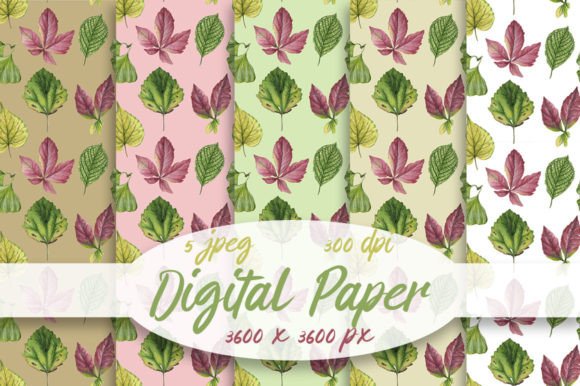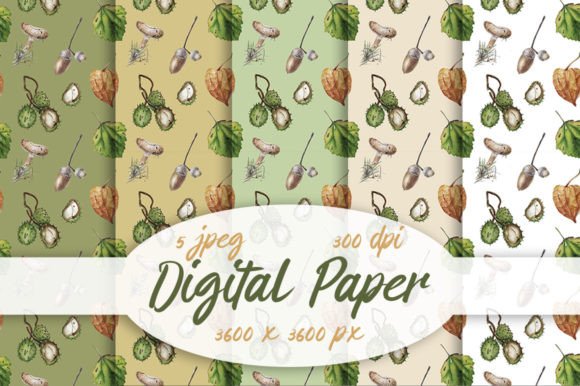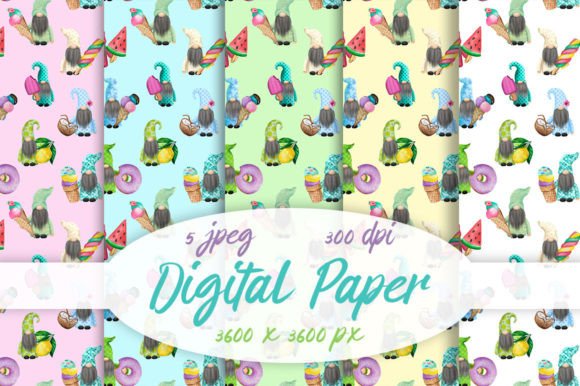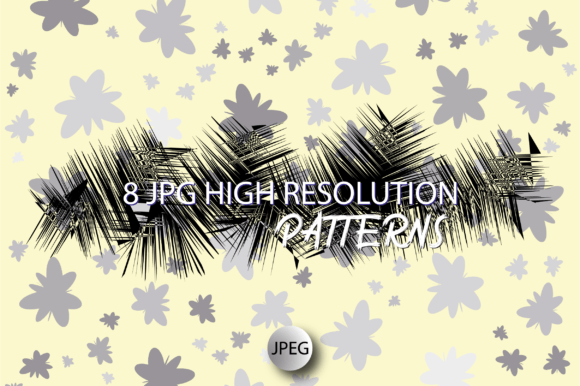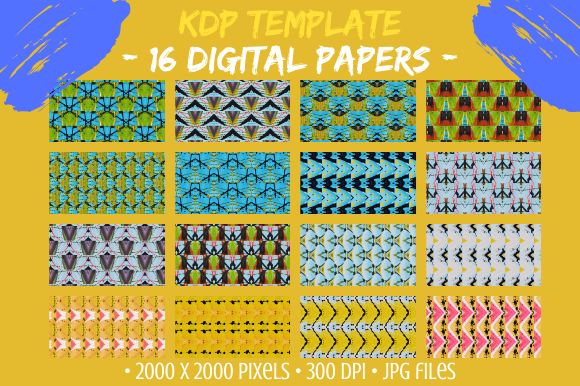
16 Digital Paper Background Patterns
If you're looking for versatile, high-quality design resources that work across both digital and print projects, the 16 Digital Paper Background Patterns pack is a smart, practical choice. It includes 16 unique JPG files — each sized at 2000 × 2000 pixels and rendered at 300 DPI — so they hold crisp detail whether you're designing a business card or printing large-format stationery.
What You’ll Actually Get (and Why It Matters)
This isn’t a collection of generic textures or low-res web graphics. Each file is a carefully crafted digital paper — abstract, geometric, or floral — designed to add visual interest without overwhelming your layout. The included 16 Digital Paper Flower Patterns bring organic charm, while the rest offer modern geometry and subtle tonal variation.
Because they’re delivered as high-resolution JPGs, you can open them in nearly any editing program — from Canva and Photoshop to Affinity Designer or even PowerPoint. No plugins, subscriptions, or special software needed. And since they’re digital-only, there’s no shipping, no wait, and no inventory to manage — just instant access after purchase.
Real Uses for Real People
Whether you're planning a baby shower or launching a small business, these patterns adapt easily:
- Wedding planners use them for invitation suites, RSVP cards, and menu designs — especially the floral options, which pair beautifully with soft pastel palettes.
- Small business owners layer them behind logos or use them as textured backgrounds on social media banners and email headers.
- Educators and homeschoolers print them onto cardstock for classroom labels, flashcards, or reward certificates — the 300 DPI ensures clean edges and readable text.
- Bloggers and content creators apply them as subtle background elements in Pinterest pins or blog post headers to add warmth and personality.
- DIY crafters scale and tile them for custom wrapping paper, decoupage projects, or printable sticker sheets — just remember: these patterns are not seamless, so tiling requires manual alignment if you want continuity.
A Friendly Heads-Up Before You Start
Before diving into edits, here’s something helpful to know: make a duplicate copy of each file right away. That way, you keep the original untouched — ready for future use, resizing, or re-editing with fresh ideas. It only takes a few seconds, but it saves time and frustration later.
Also, because these are JPGs (not vector files), they won’t scale infinitely without some loss of quality — though at 2000 × 2000 pixels and 300 DPI, they’re more than sufficient for most standard print sizes, including A4, letter, 5×7, and even many 8×10 layouts. For oversized prints (like posters or wall art), consider checking resolution needs early in your workflow.
Where These Patterns Shine Most
These aren’t just “pretty pictures.” They solve common design challenges:
- Adding texture without clutter — A light geometric pattern behind minimal typography gives depth without competing for attention.
- Creating cohesion across multiple items — Use one pattern across invitations, thank-you cards, and menus to unify a wedding or party theme.
- Bringing handmade charm to digital products — E-book covers, printable planners, and Canva templates gain authenticity with tactile-feeling backgrounds.
- Simplifying branding for solopreneurs — Pair a single floral or abstract pattern with consistent fonts and colors to build recognizable, approachable brand assets — fast.
Who Benefits Most — and Why
You don’t need design experience to get value from this pack. Beginners appreciate how easy it is to drop a pattern into a template and instantly elevate their project. Professionals love having reliable, print-ready assets on hand — no hunting through stock sites or tweaking opacity settings to avoid pixelation.
Freelancers often use these as base layers for client deliverables like social media kits or branded stationery sets. Educators integrate them into lesson materials to make handouts more engaging. Even jewelry makers scan and resize them for custom packaging inserts or printed tags — the floral patterns especially complement artisanal, nature-inspired brands.
One More Practical Note
Since these are digital papers — not physical swatches — you’ll want to preview how they look when printed. Try printing a small test version first, especially if you’re using them for packaging or greeting cards. Colors may vary slightly between screen and printer depending on your device and paper type. But with 300 DPI resolution and RGB/JPG compatibility, you’ll get consistent, professional results across most home and commercial printers.
Simple Ideas to Try This Week
- Create a set of four matching thank-you cards using one floral pattern as the background and clean white text.
- Design a printable weekly planner page: use a subtle geometric pattern in the header bar and leave the rest of the page white for writing space.
- Build a cohesive Instagram Story highlight cover set by applying different patterns to circular icons — all sized consistently at 200 × 200 pixels.
- Make custom gift tags for a holiday party: resize one pattern to fit a 2×3 inch tag, add a ribbon graphic, and print on matte cardstock.
At its core, the 16 Digital Paper Background Patterns pack is about giving you flexibility, quality, and creative confidence — without complexity. Whether you're sketching out your first logo or polishing your tenth client presentation, these files are ready to support your vision, not slow it down.